
Best Sat Navs for London Driving 2026
London has bus lane cameras, Congestion Charge boundaries and a constantly changing road network. Here's what to look for in a sat nav that actually keeps up.
Bus lane enforcement cameras, the Congestion Charge Zone, ULEZ boundaries, red routes, low-emission zones and a road network that changes constantly — London puts more demands on a navigation device than anywhere else in the UK. A sat nav that works fine for motorway driving or rural routes can still leave you flat-footed in Central London if it's not genuinely up to date.
Before looking at specific devices, it's worth being clear on what London driving actually requires — because some features that get marketed heavily don't make much difference here, while others rarely get mentioned but matter a lot.
| Device | Live Traffic | Speed Cams | CCZ Alert | Map Updates | Screen |
|---|---|---|---|---|---|
| TomTom GO Expert Plus | ✓ TomTom Traffic | ✓ | ✓ | Free lifetime | 7" |
| Garmin DriveSmart 86 | ✓ Connected | ✓ | Partial | Free lifetime | 8" |
| TomTom GO Classic 6" | ✓ TomTom Traffic | ✓ | Partial | Free lifetime | 6" |
| Garmin Drive 53 | Limited | ✓ | ✗ | Free lifetime | 5" |
| Google Maps (phone) | ✓ Excellent | Partial | ✗ | Automatic | Varies |
| Waze (phone app) | ✓ Excellent | ✓ Community | ✗ | Automatic | Varies |
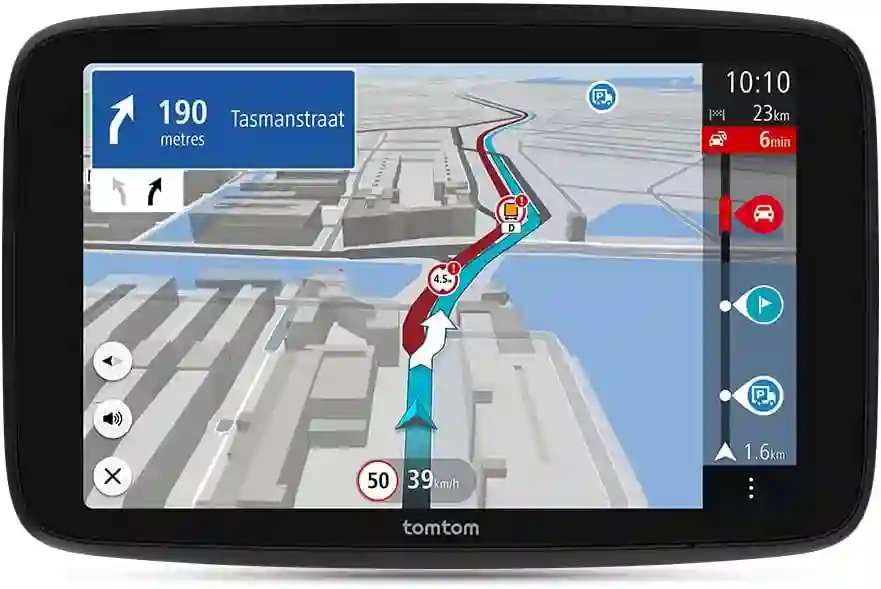
TomTom's GO Expert Plus was designed with professional and frequent-mileage drivers in mind, which makes it particularly well-suited to London. The TomTom Traffic dataset is genuinely good — the company has been building this from fleet and vehicle data for years, and the live routing in congested urban areas holds up well. The 7" screen gives a clear view of complex junctions, and the device will flag when a route takes you through the Congestion Charge Zone.
The My Drive app connects your phone to sync favourites, destinations and live traffic updates, which means you're not starting from scratch on the device every time. Wi-Fi map updates mean you don't need to dig out a cable — it updates when it's on your home network.
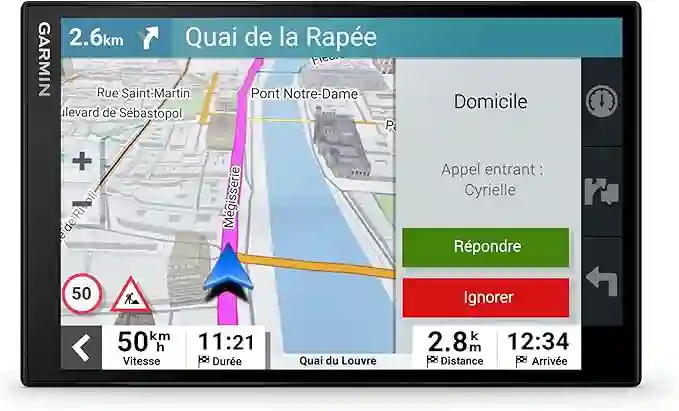
The DriveSmart 86 has an 8" screen — that's bigger than most tablets you'd use for navigation. At a complex London junction where the junction view diagram shows you which lane to be in 600m ahead, more screen space genuinely helps you read it quickly. The Garmin Connected app links your phone's data for live traffic and smart notifications, and the voice assistant integration works well enough that you can navigate without looking at the screen much at all.
Worth noting: the CCZ zone alerting isn't as specific as TomTom's implementation, though the overall routing quality around London is excellent.
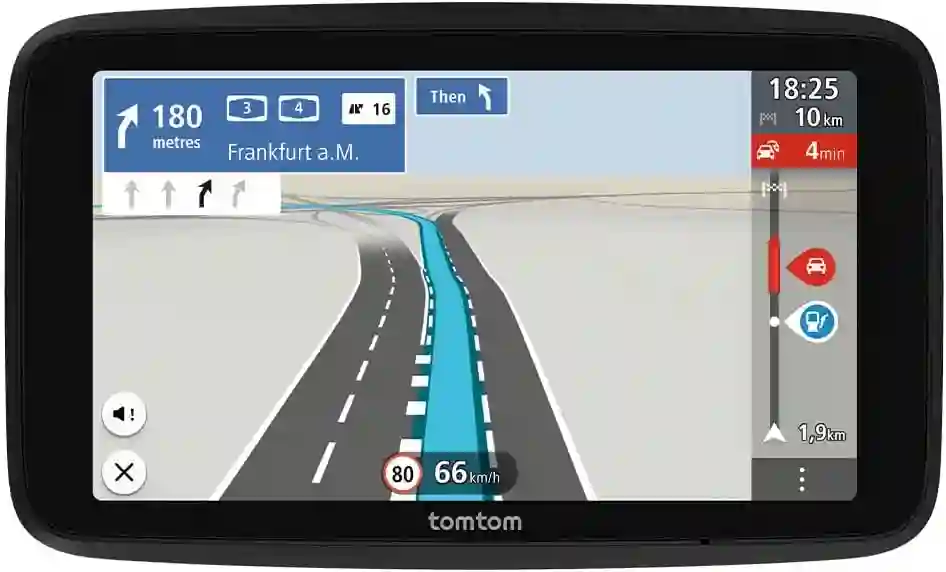
The GO Classic sits between the budget and premium tiers and does the essential things well. TomTom Traffic live data is included, the speed camera database is regularly updated, and the 6" screen is a decent size for London driving. It doesn't have all the features of the GO Expert Plus — no dedicated CCZ zone alerting and no Wi-Fi updates — but for drivers who don't need those extras, it's a sensible choice.
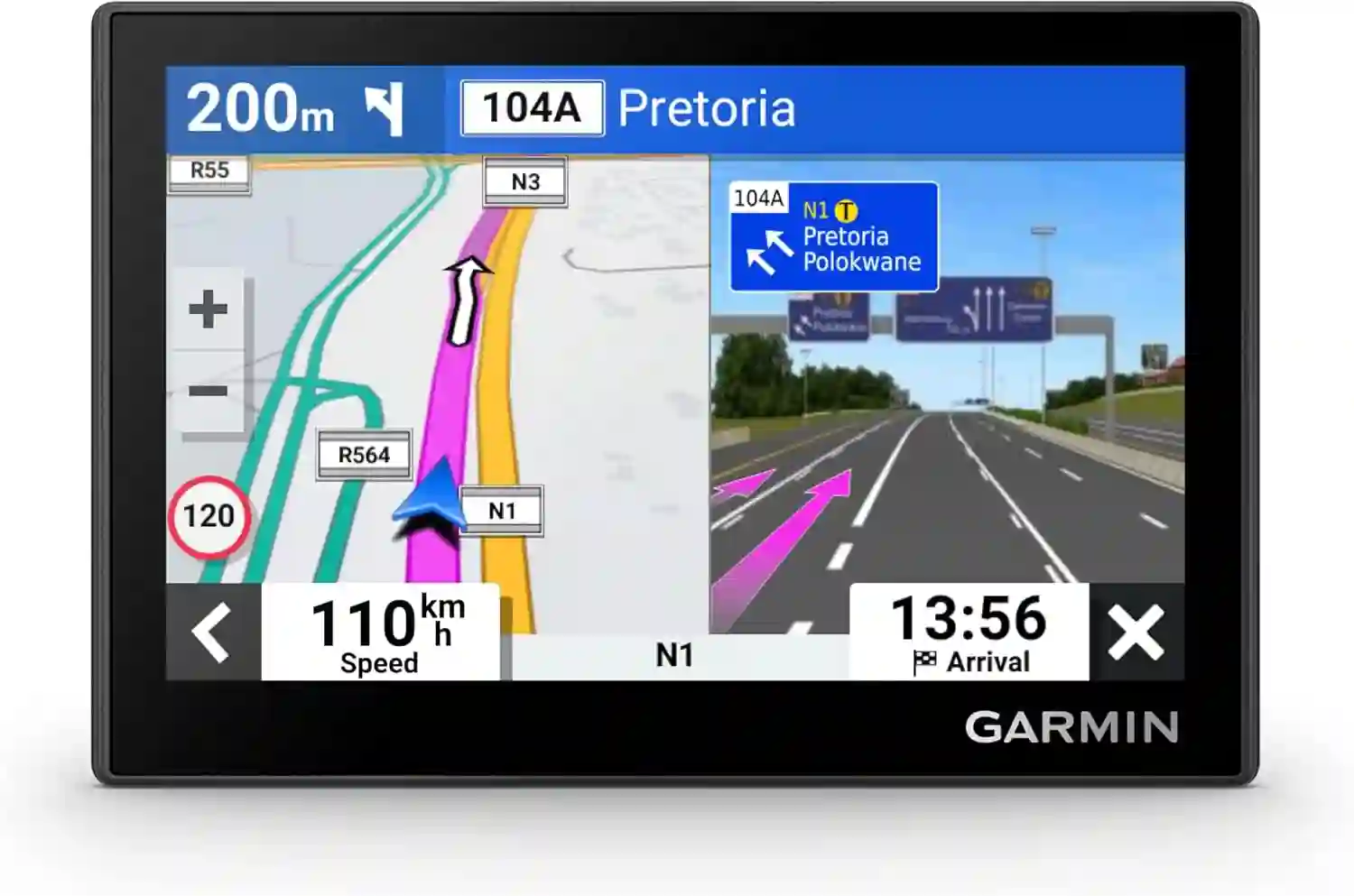
The Garmin Drive 53 is the honest budget pick. Garmin's map data for London is good and the speed camera database covers the key fixed and average speed locations. What it doesn't have is live traffic data without a phone connection — for London that's a real limitation. If you're going to use this in the capital, pair it with a phone running Waze or Google Maps in the background for traffic, and use the Garmin for its camera alerts and cleaner interface.
This comes up a lot and there's no single right answer. Here's an honest take:
Phone apps (Google Maps, Waze) have better live traffic data for London than most dedicated devices, they're free, and they update automatically. The downsides are battery drain, potential overheating on a hot summer day with the screen on, and the fact that you're using mobile data the whole time. A dedicated device doesn't drain your phone, handles extreme temperatures better, and can be a cleaner, less distracted setup for daily driving.
Most London drivers who navigate occasionally get on fine with a phone. Daily commuters and anyone who drives professionally would find a dedicated device worthwhile.